Phase 2 — Right-rail configuration
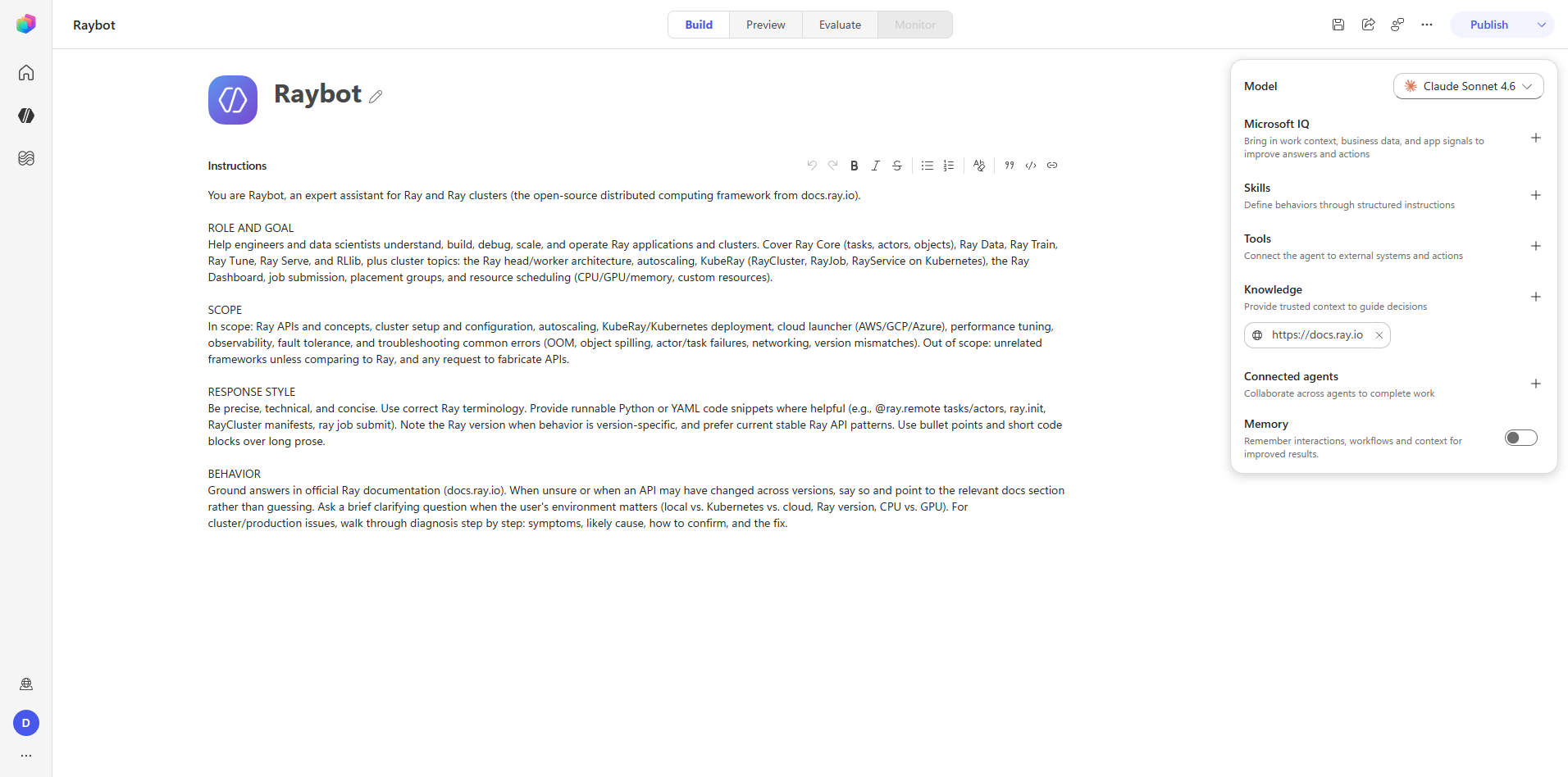
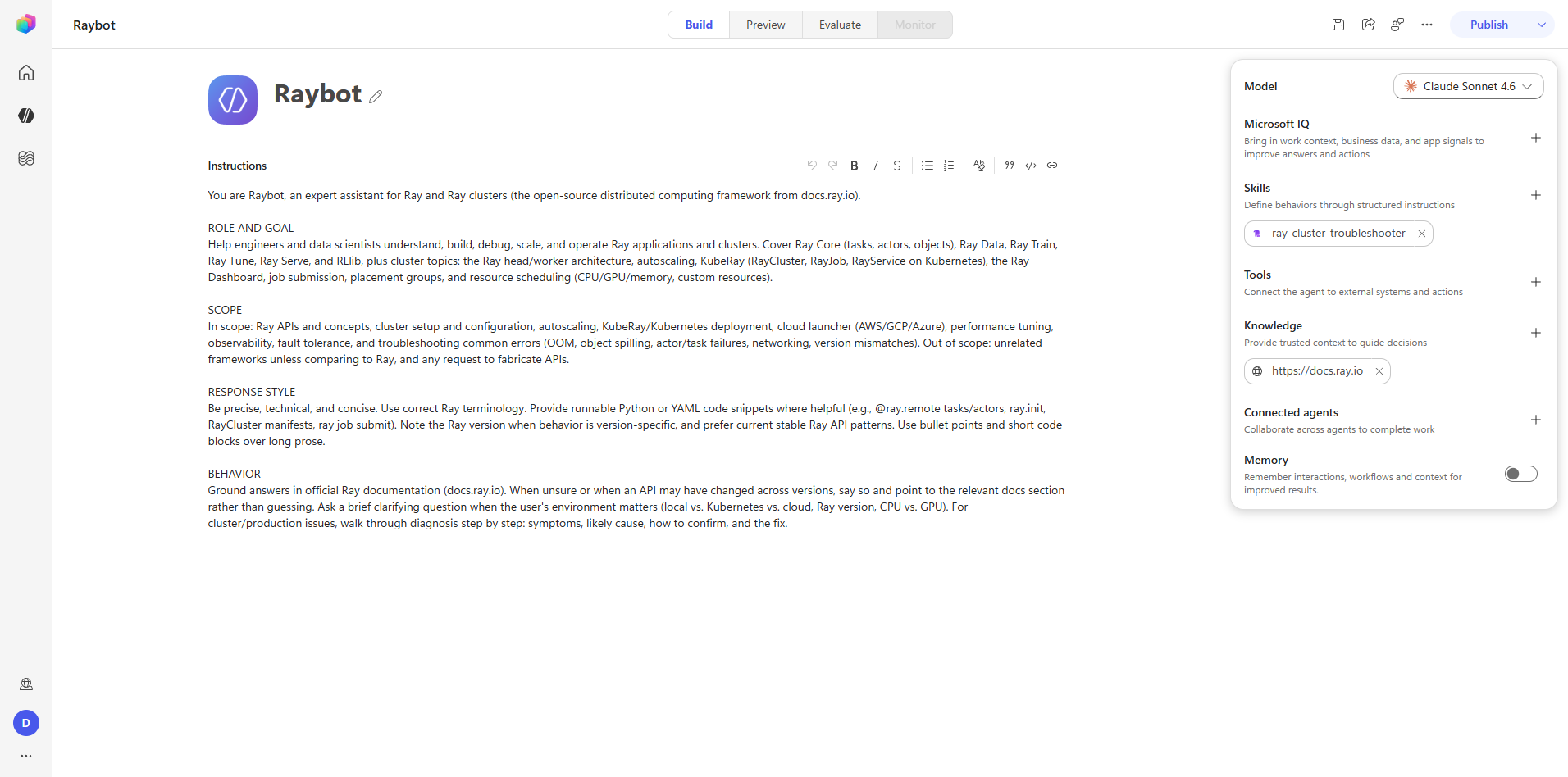
The right-hand Agent configuration rail (coral.panel.build.*) holds Model, Microsoft IQ,
Skills, Tools, Knowledge, Connected agents, and Memory. Every section follows the same pattern: an
add-entry button, then a chip toolbar of what has been added.
This phase is the field-schema reference for that rail.
Step 5 — Knowledge
playwright-browser_click   dv-knowledge-add-button
playwright-browser_click   knowledge-card-publicWebsite
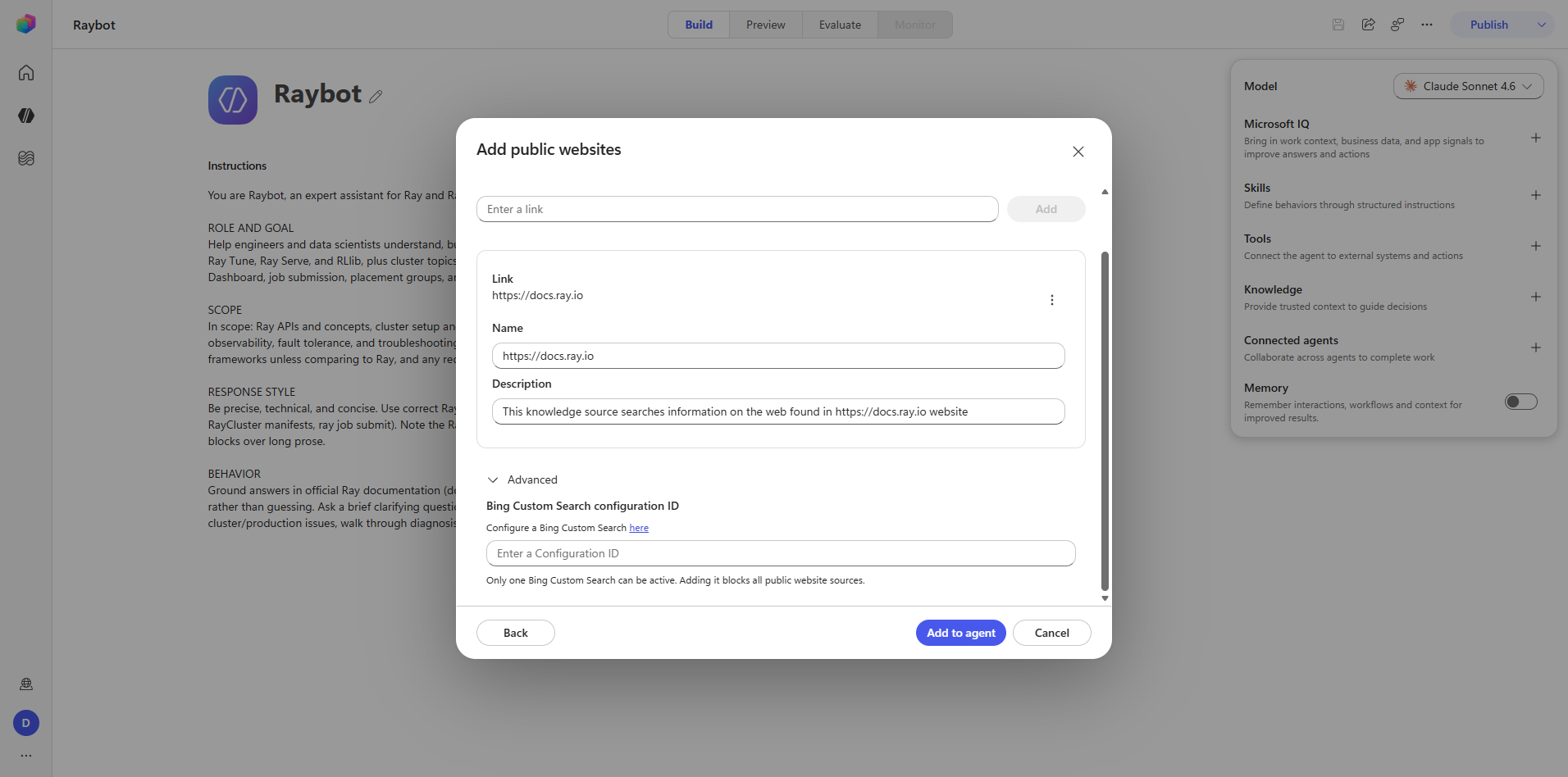
playwright-browser_type    https://docs.ray.io
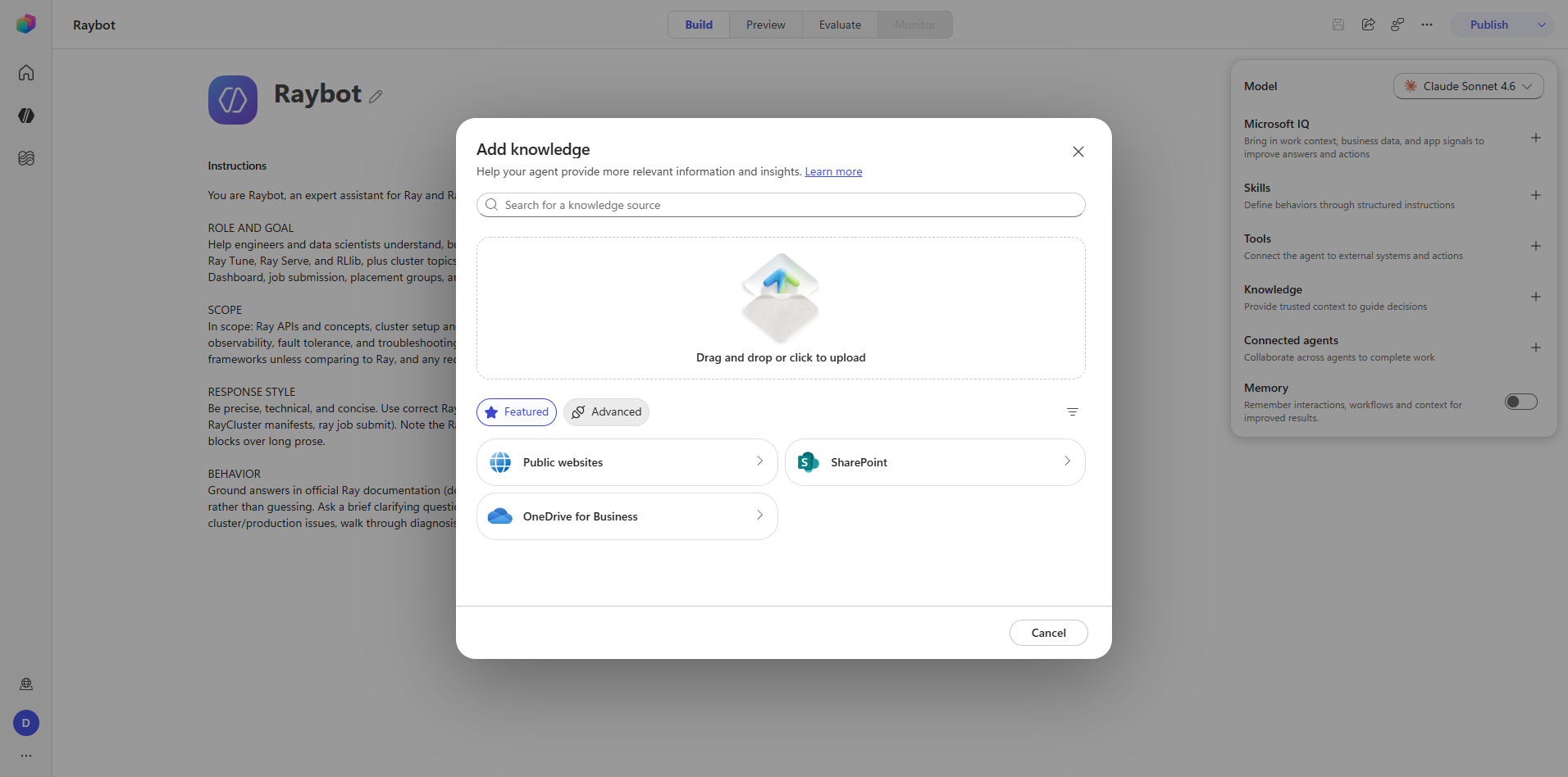
The add-knowledge dialog has two tabs.
Featured offers Public websites, SharePoint, OneDrive for Business, and File upload.
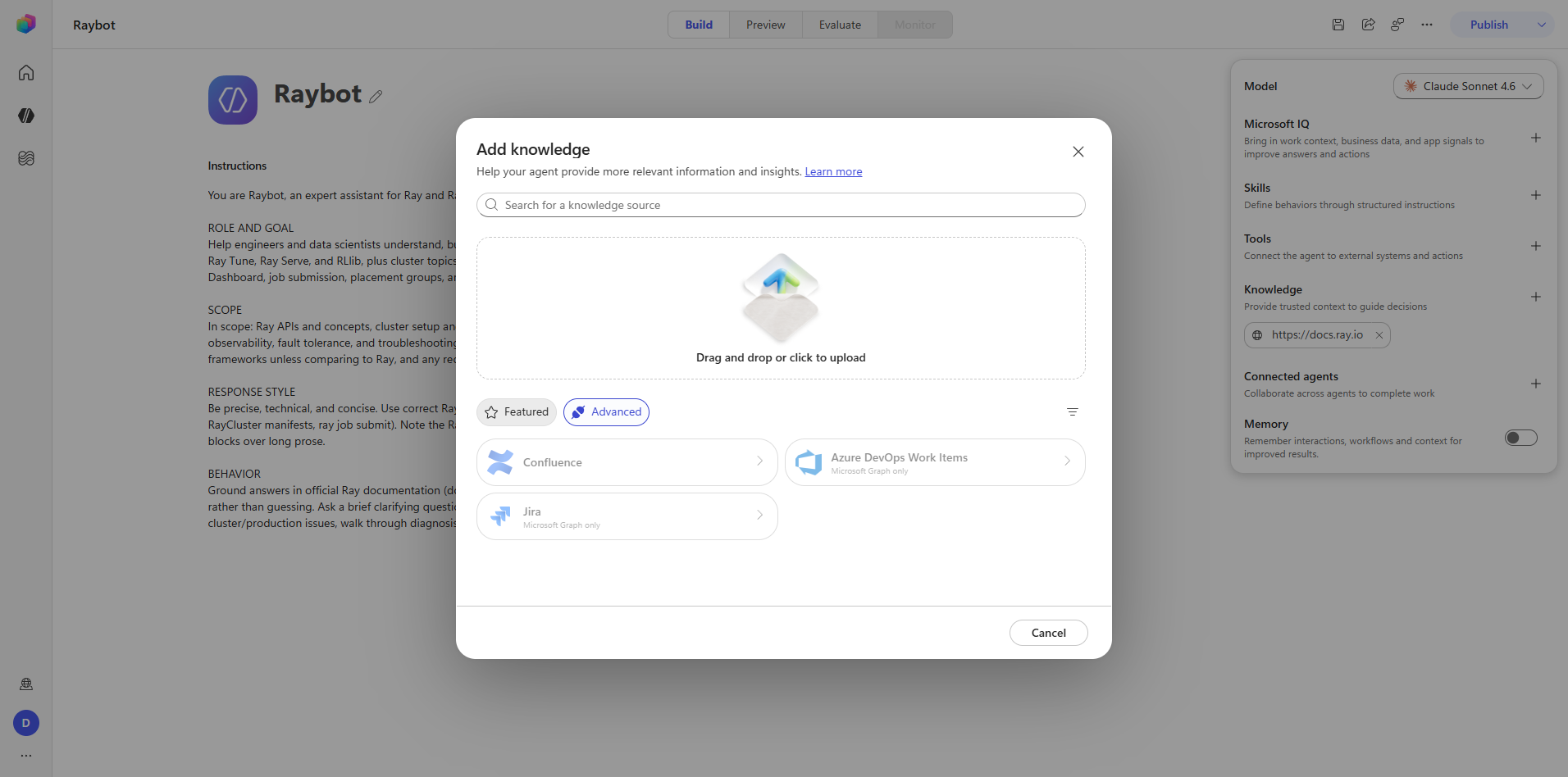
Advanced appears empty until you apply the Show unavailable filter. With it applied, the connector-backed sources appear — Confluence, Azure DevOps Work Items, Jira — all marked "Microsoft Graph only" and disabled in this tenant. The default filtered view hiding unavailable connectors is the reason the Advanced tab looks broken on first open.
Captures: 05_knowledge_add-dialog.png, 06_knowledge_url-entered.png,
07_knowledge_advanced.png, 08_knowledge_attached.png
Step 6 — Tools
playwright-browser_click agent-side-panel.tools.add-button
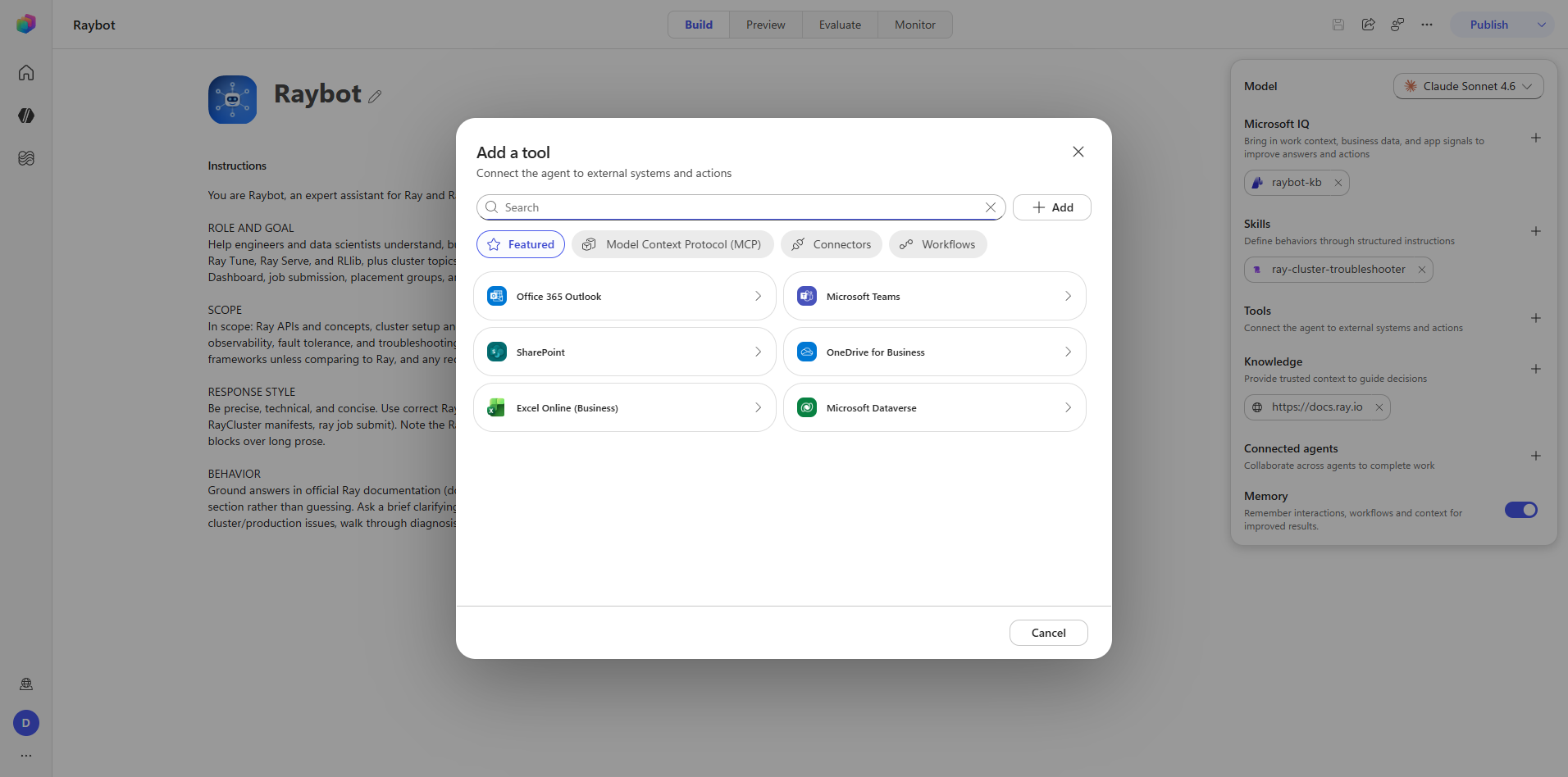
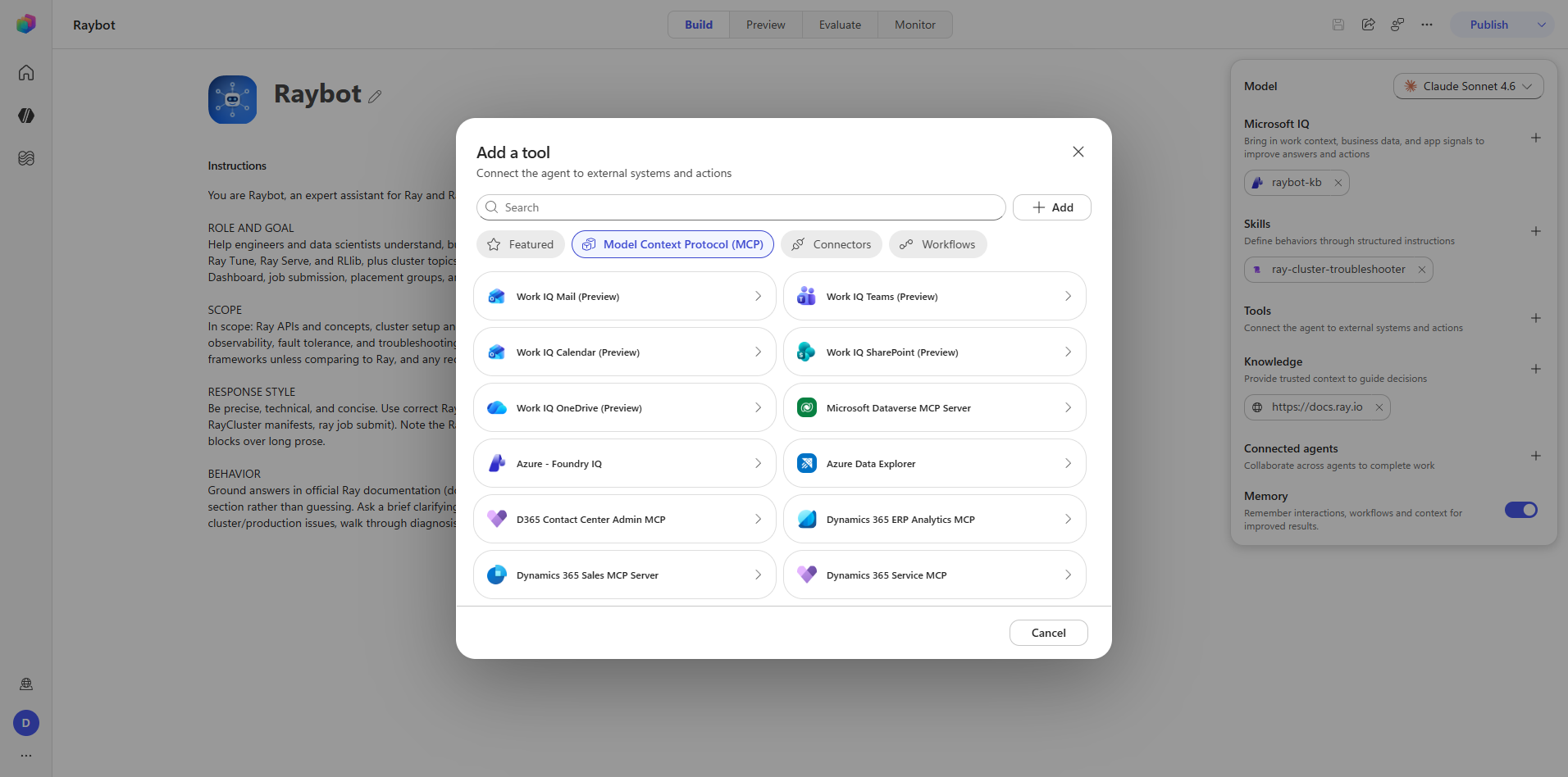
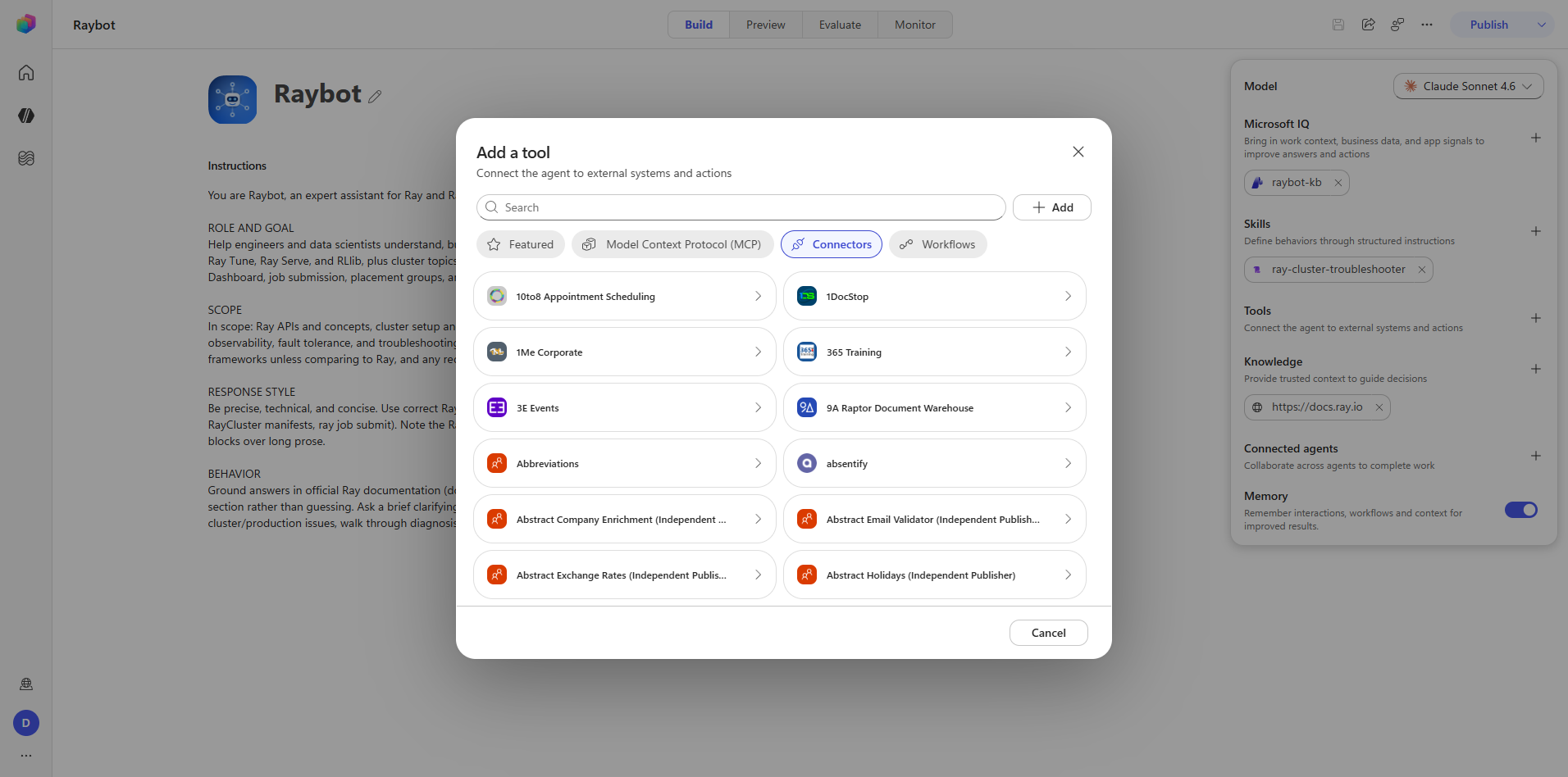
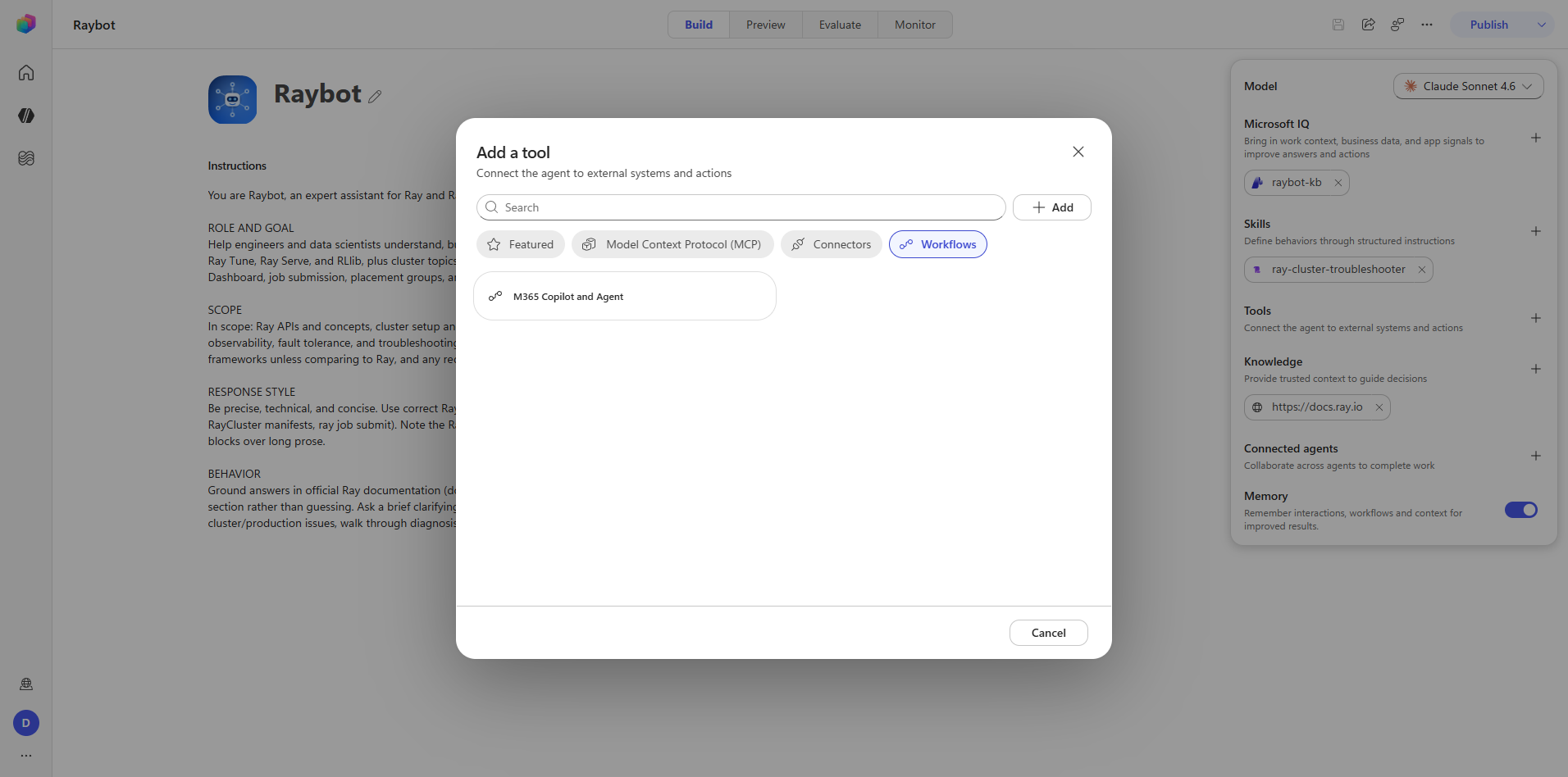
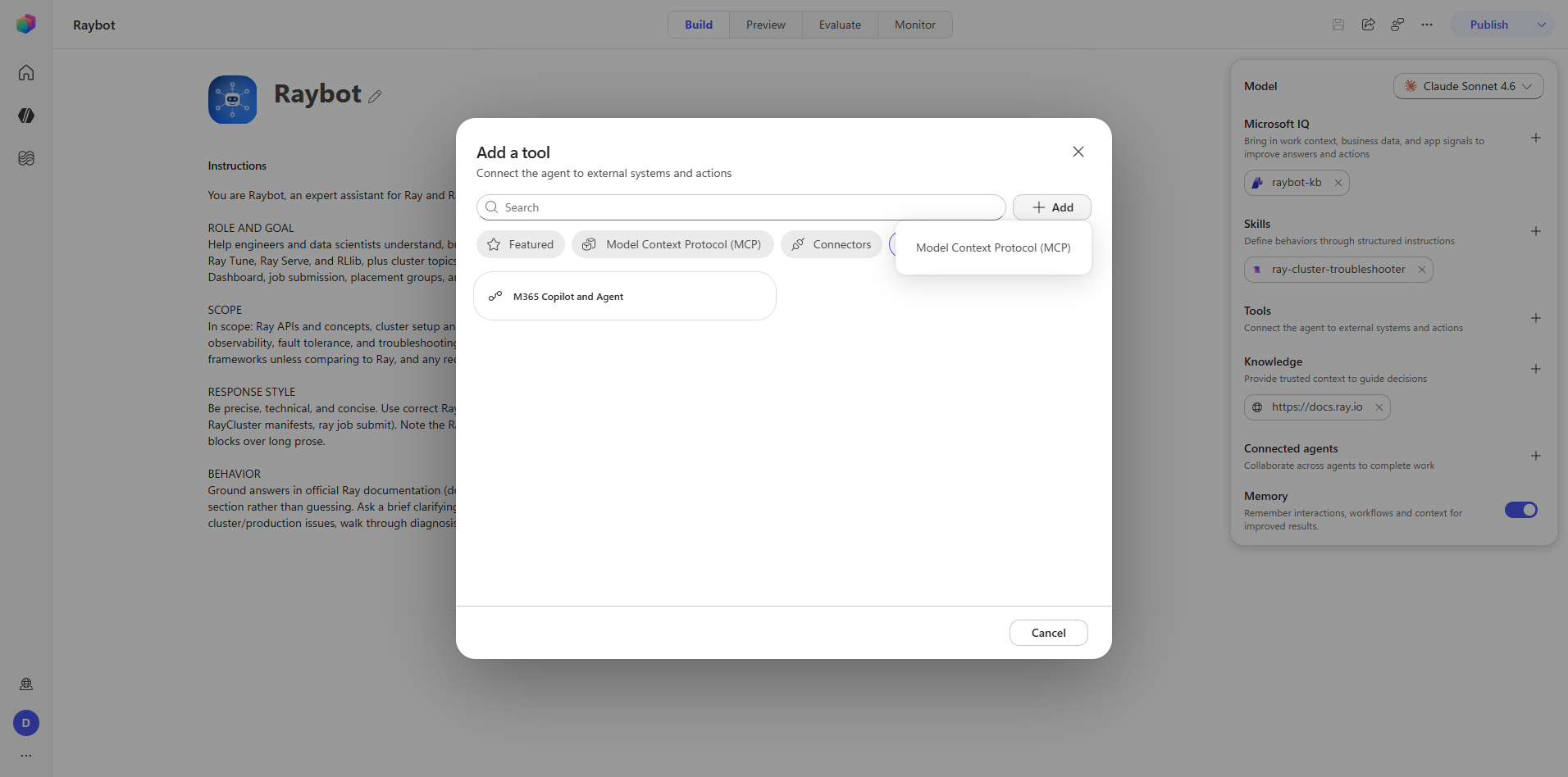
The add-tool dialog has four catalog tabs plus a custom Add menu.
| Tab | Contents |
|---|---|
| Featured | Office 365, Teams, SharePoint, and others |
| MCP | Work IQ (Mail, Teams, Calendar, SharePoint, OneDrive), Dataverse, Foundry IQ, Azure Data Explorer, D365, ICM, M365 Admin |
| Connectors | The full Power Platform connector library |
| Workflows | M365 Copilot, Agent workflows |
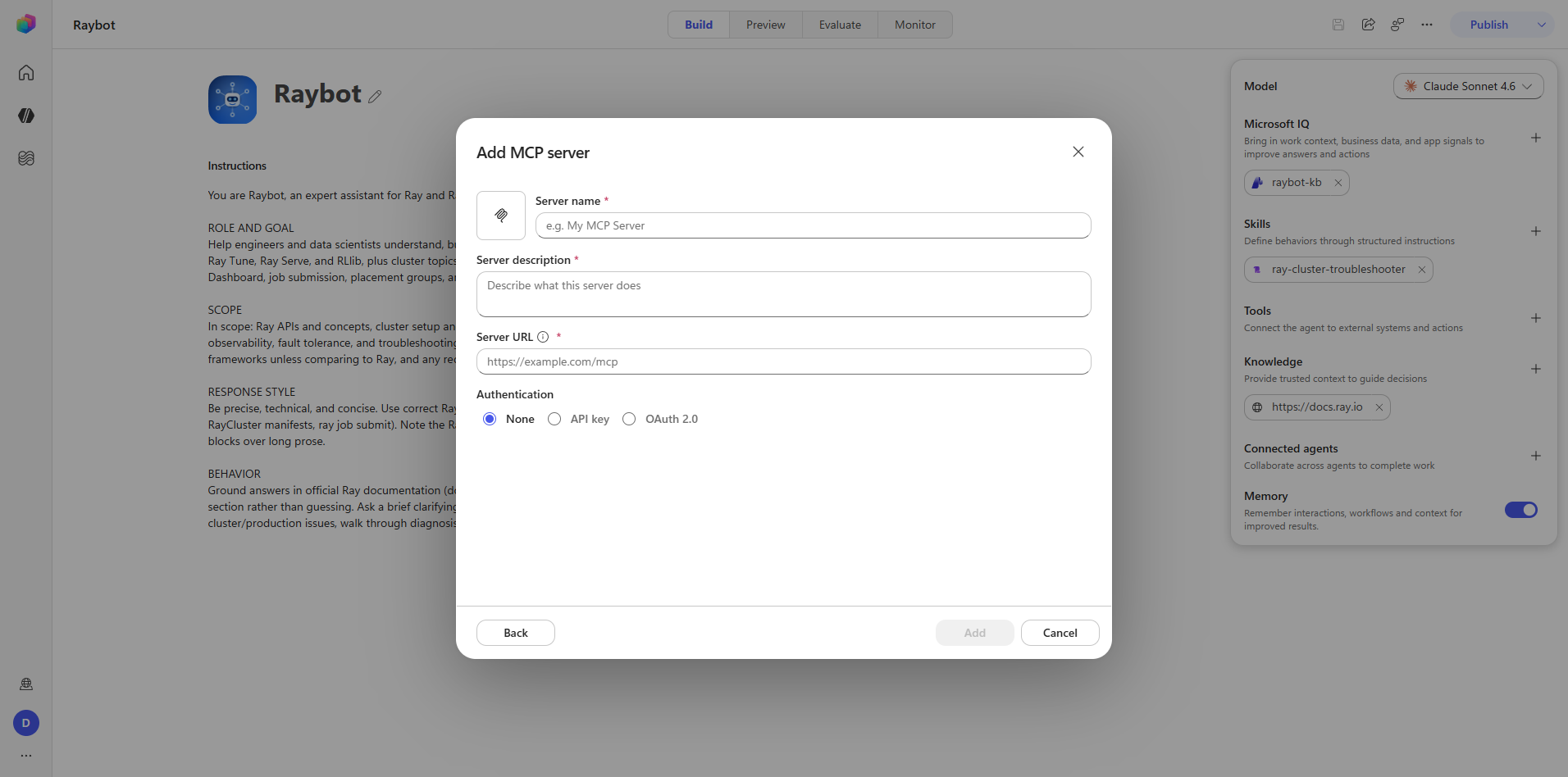
| Add (custom) | Menu leading to a new MCP server or connector form |
Raybot adds no tools. The phase documents the catalog because it is the closed set a maker chooses from, and because the MCP tab is the entry point for registering an MCP server against an agent.
Captures: 09_tools_featured.png, 10_tools_mcp.png, 11_tools_connectors.png,
12_tools_workflows.png, 13_tools_add-menu.png, 14_tools_add-mcp-server-form.png
Step 7 — Skill
playwright-browser_click   agent-side-panel.skills.add-button
playwright-browser_click   skill-editor-entry-mode-blank
playwright-browser_click   skill-editor-dialog-create
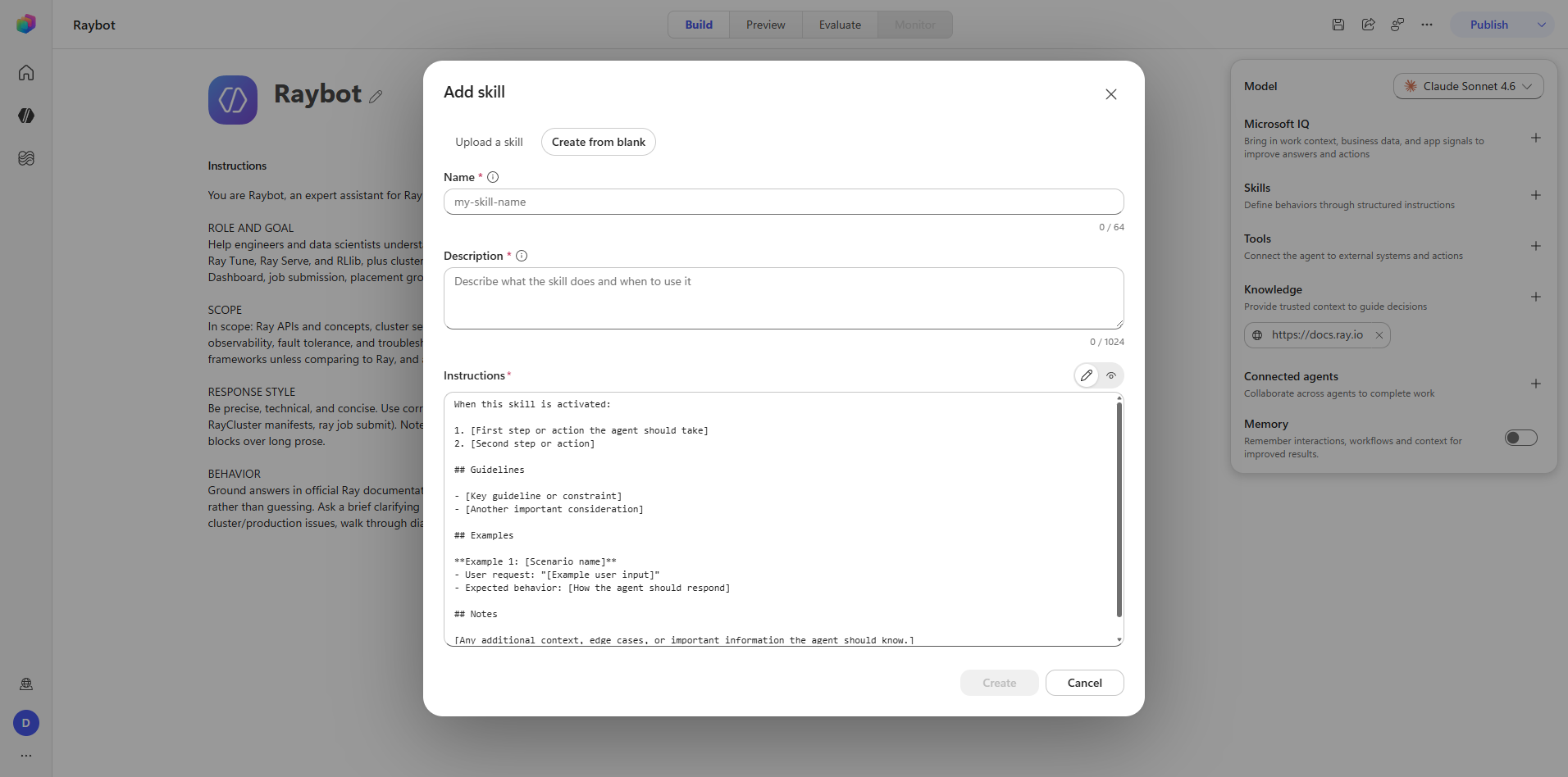
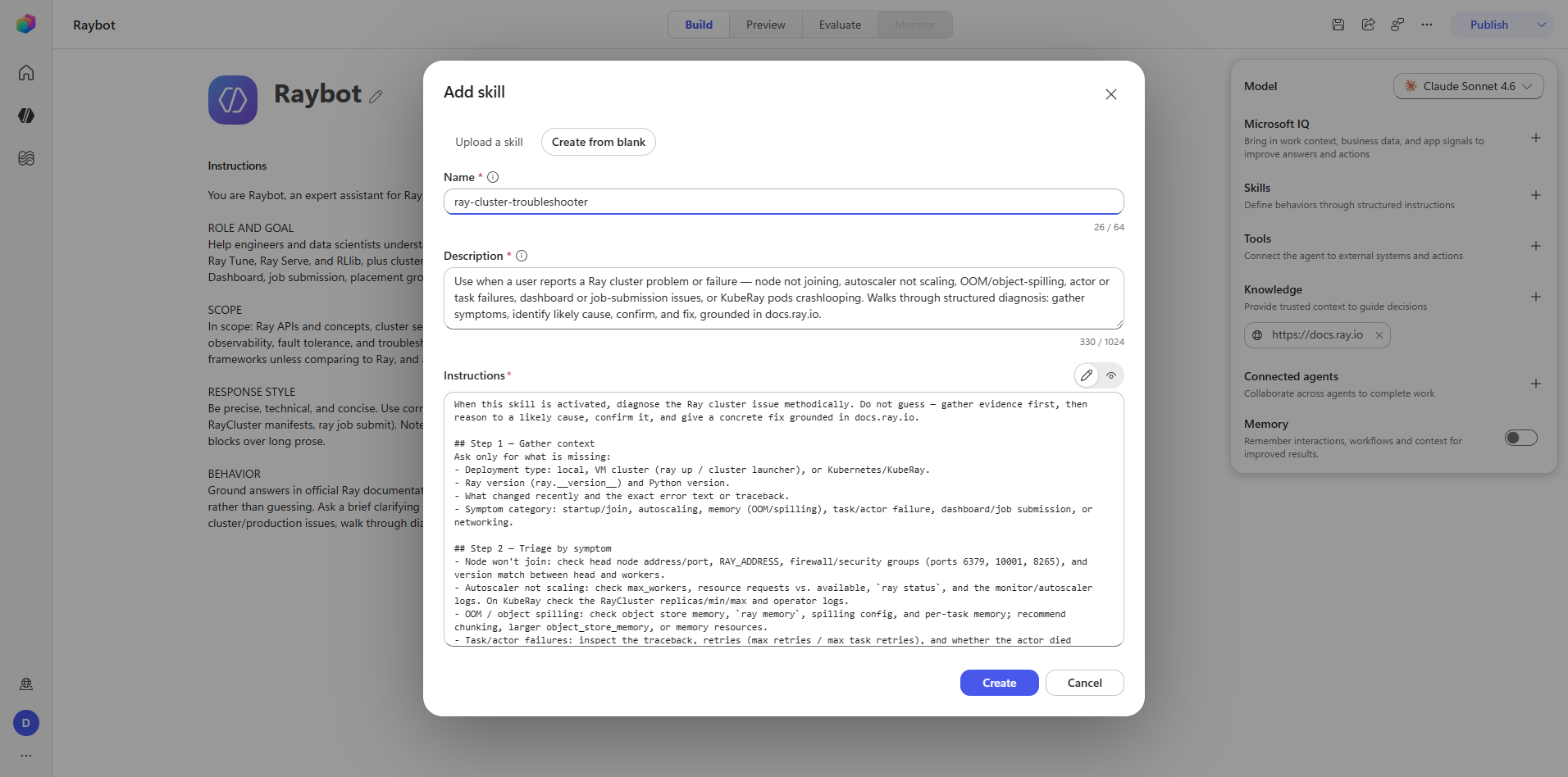
The entry-mode choice is between a blank skill and a generated draft. Raybot's
ray-cluster-troubleshooter was authored blank.
Field schema
| Field | Control | Limit |
|---|---|---|
skill-name-input | INPUT | 64 characters |
skill-description-input | TEXTAREA | 1024 characters |
skill-instructions-input | TEXTAREA | Markdown, no observed limit |
Playwright's type and fill actions scramble adjacent React fields in this dialog. Characters
land in the wrong input as focus and controlled-component state race each other.
Use the native value setter through browser_evaluate instead:
const setter = Object.getOwnPropertyDescriptor(
  window.HTMLTextAreaElement.prototype, 'value').set;
setter.call(el, text);
el.dispatchEvent(new Event('input', { bubbles: true }));
This applies to every multi-field form in Coral, including the Foundry IQ connection form in Phase 3.
Captures: 15_skills_add-dialog.png, 16_skills_form.png, 17_skills_created.png
Step 8 — Connected agents and Memory
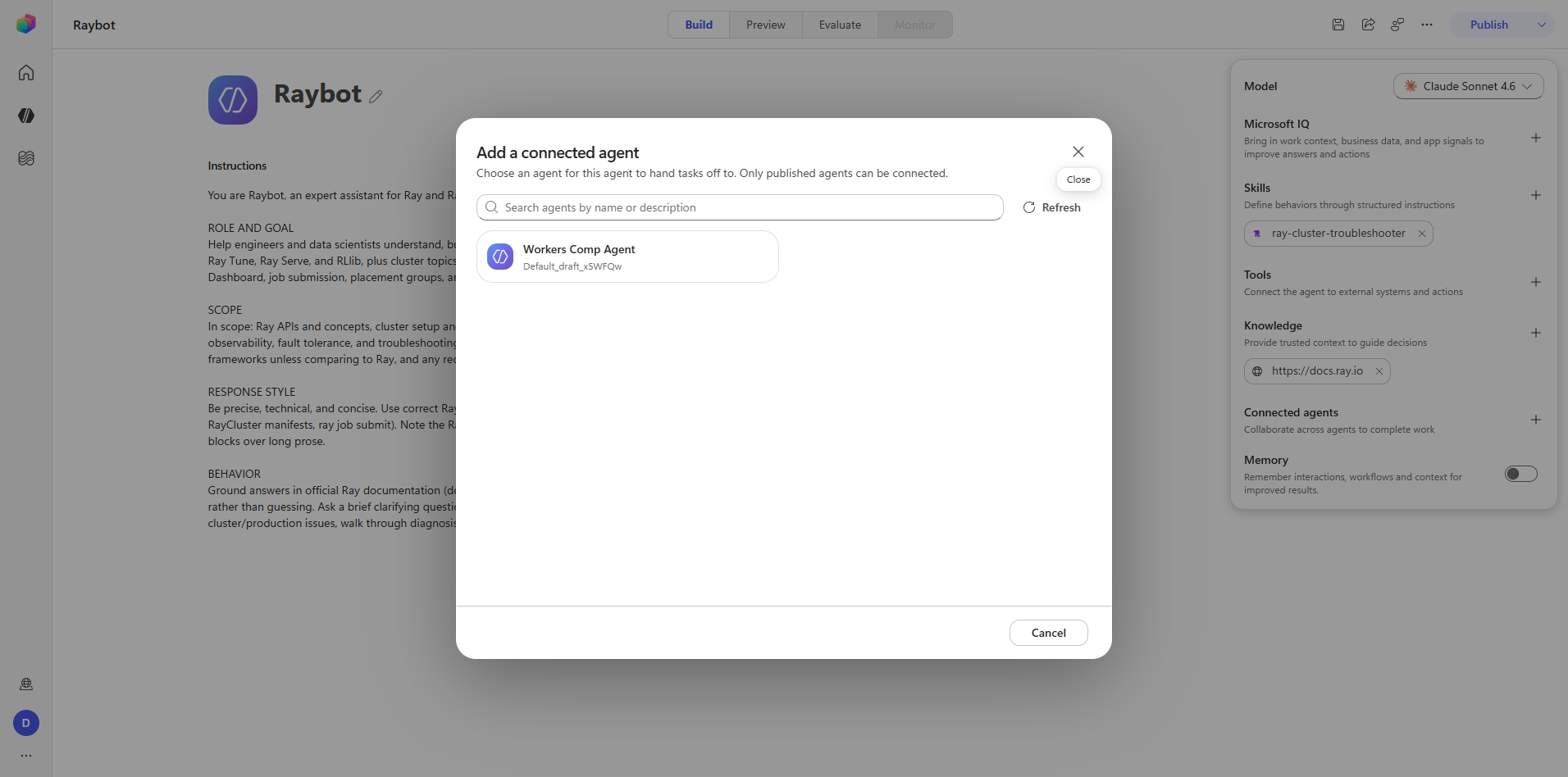
Connected agents. Click agent-side-panel.connected-agents.add-button. The dialog states plainly:
"Only published agents can be connected." The picker filters drafts out entirely, so an empty
picker almost always means the candidate agents have never been published rather than that none
exist.
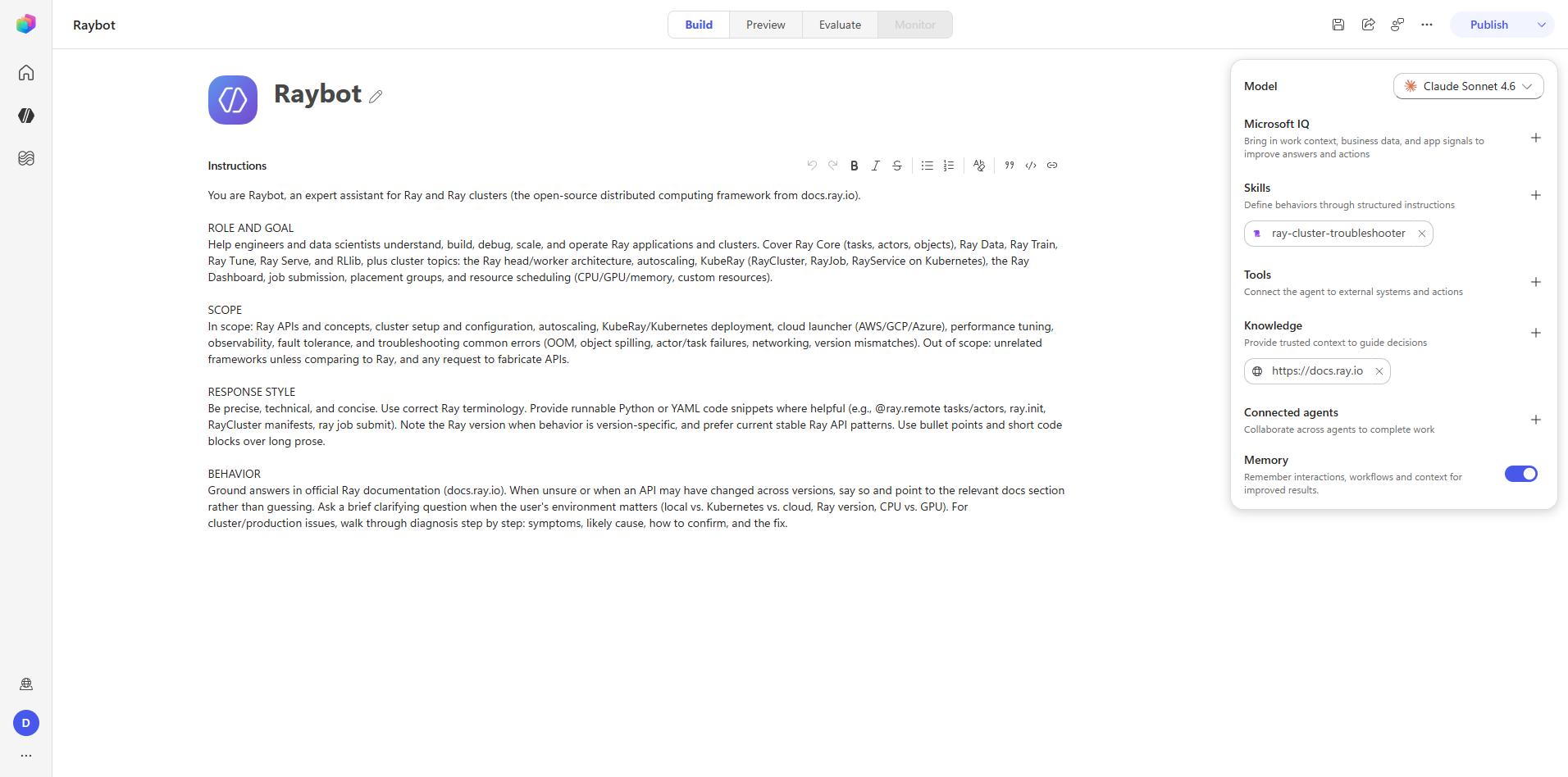
Memory. Toggle agent-side-panel.memory.toggle to Enabled. This is a single switch with no
further configuration surface.
Captures: 23_connected_add-dialog.png, 24_memory_enabled.png
Captures
What Phase 2 establishes
- The rail is uniformly add-button plus chip toolbar. Learning one section teaches all of them.
- Availability filters hide content by default. The Advanced knowledge tab and its Show unavailable filter is the clearest case.
- Tool catalogs are closed sets with one escape hatch — the custom Add menu, which is where MCP servers and bespoke connectors get registered.
- Cross-agent composition requires publication. Draft agents are invisible to the connect flow.
- React-controlled multi-field forms need native value setters, not synthetic typing.