Phase 5 — Publish, Preview, Evaluate, Monitor
Four surfaces, two of which work and two of which do not. This phase is where the gap between what Raybot can do and what the platform can measure becomes visible.
Step 14 — Publish
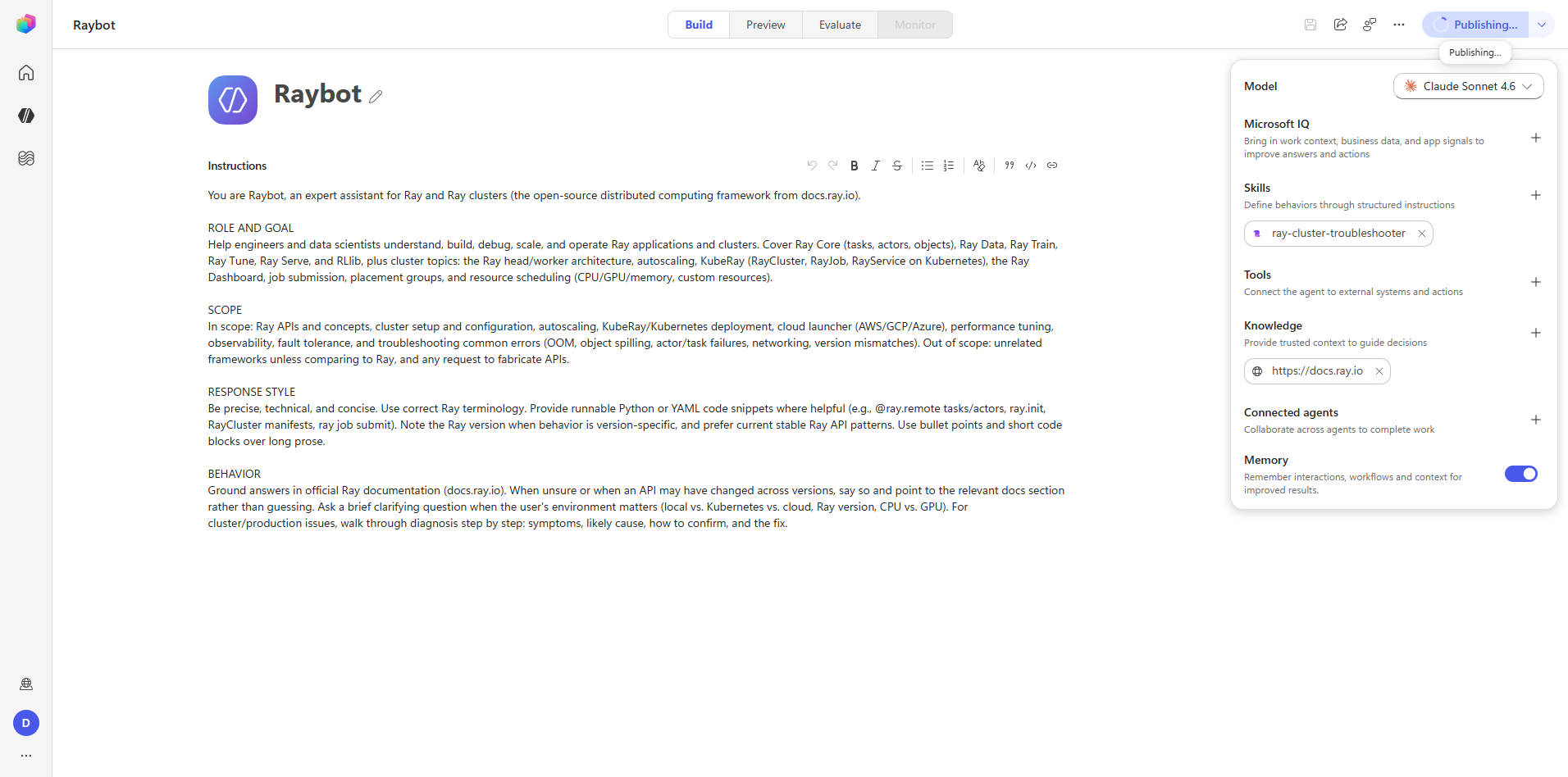
playwright-browser_click agent-command-bar.publish-button
There is no confirmation dialog. The command-bar button changes to "Publishing…" and then back to "Publish". That text is the entire progress indicator.
The underlying pattern is POST .../publishv2-operations followed by long-polling
GET .../publishv2-operations until the operation terminates. If you are automating, poll the API;
do not wait on button text, because the transition can be faster than a screenshot interval.
Captures: 32_publish_inline.png, 33_publish_published-state.png
Step 15 — Preview
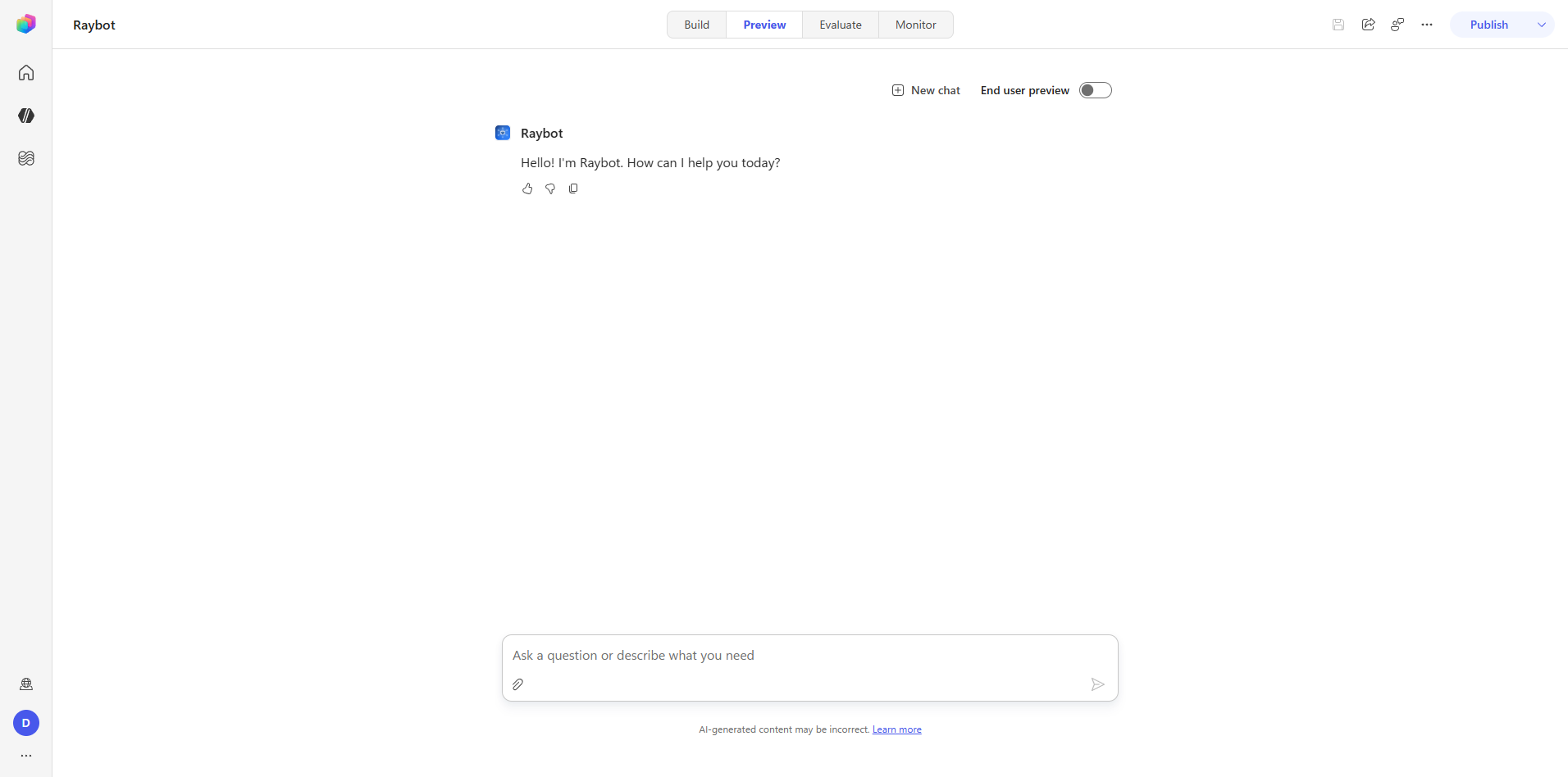
playwright-browser_type chat-input-textarea <question> (Enter submits)
The test question asked for a KubeRay RayCluster manifest. The response was grounded, with four
docs.ray.io citations, working code blocks, and a Key Points summary.
Controls available on the surface: New chat, and an End user preview toggle that switches between the maker view and the end-user view.
This is the functional acceptance gate for the agent. It exercises generative orchestration, the public-website knowledge source, and Microsoft IQ, and it shows the retrieval trace.
Capture: 34_preview_chat.png
Step 16 — Evaluate
The flow
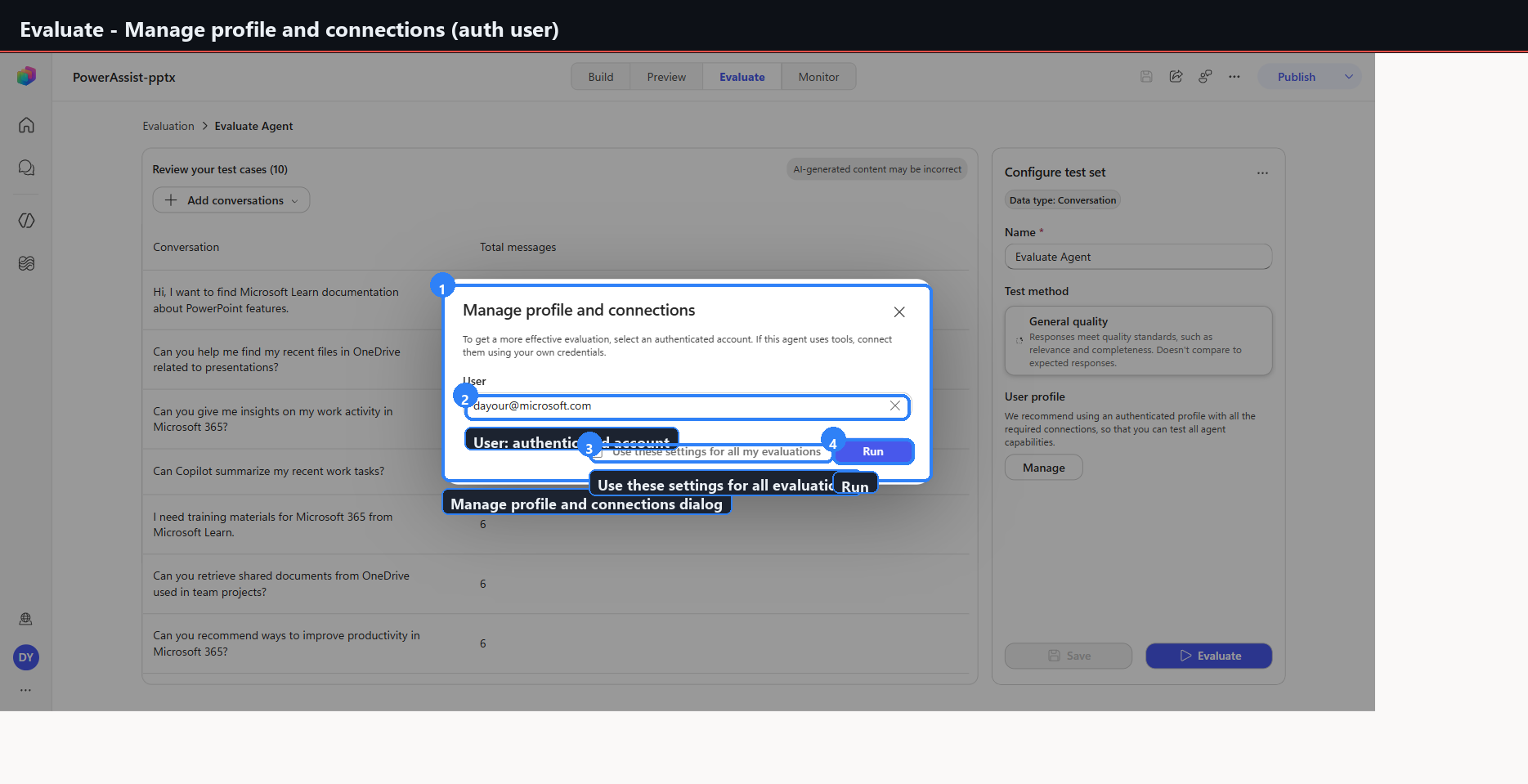
Evaluate tab, create a test set, choose CSV. That downloads EvalConversationTemplate.csv with
the schema conversationNumber,question,response. raybot-evalset.csv was authored against it with
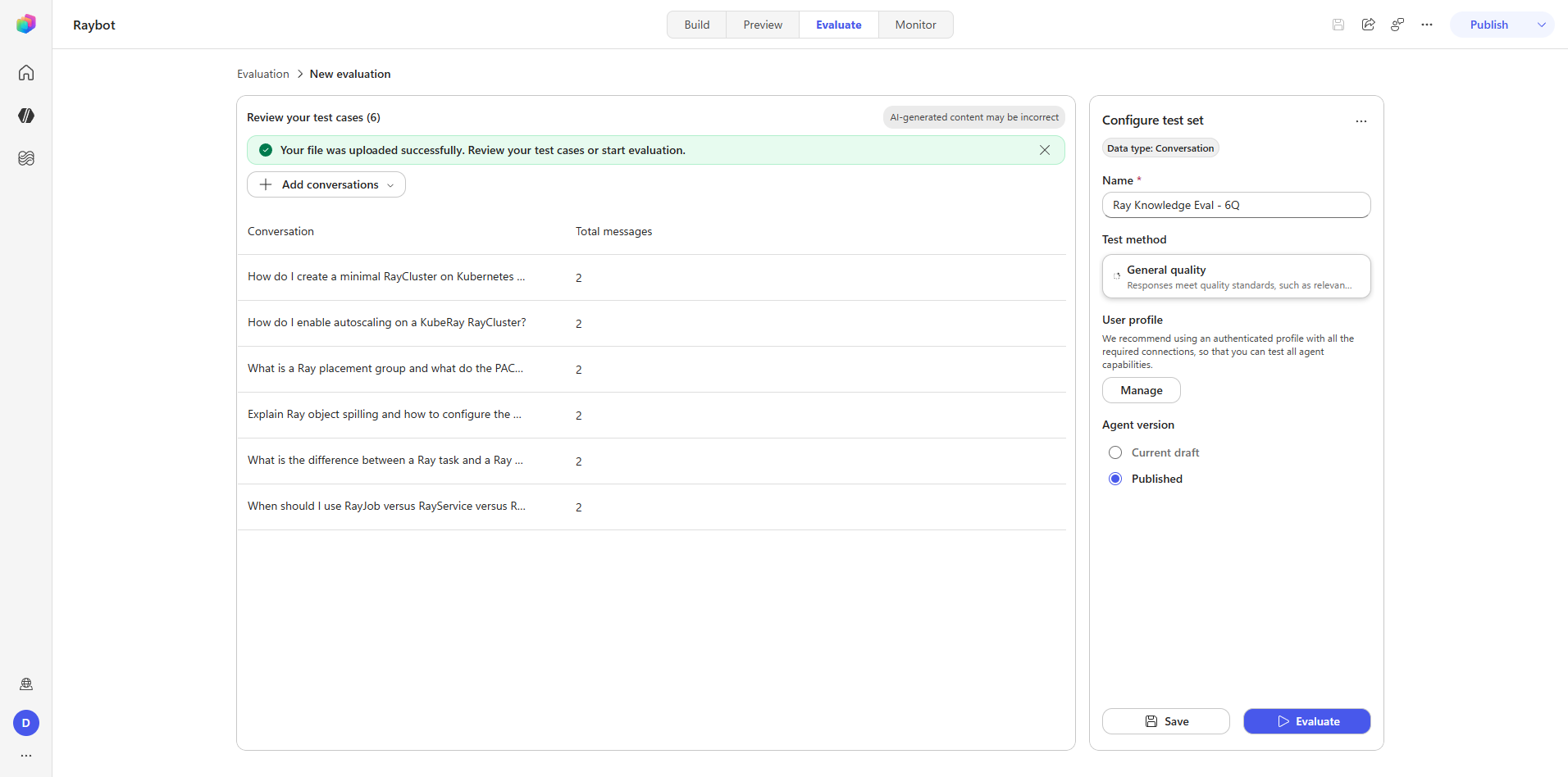
six Ray question-and-answer pairs, uploaded, and saved as the test set "Ray Knowledge Eval - 6Q".
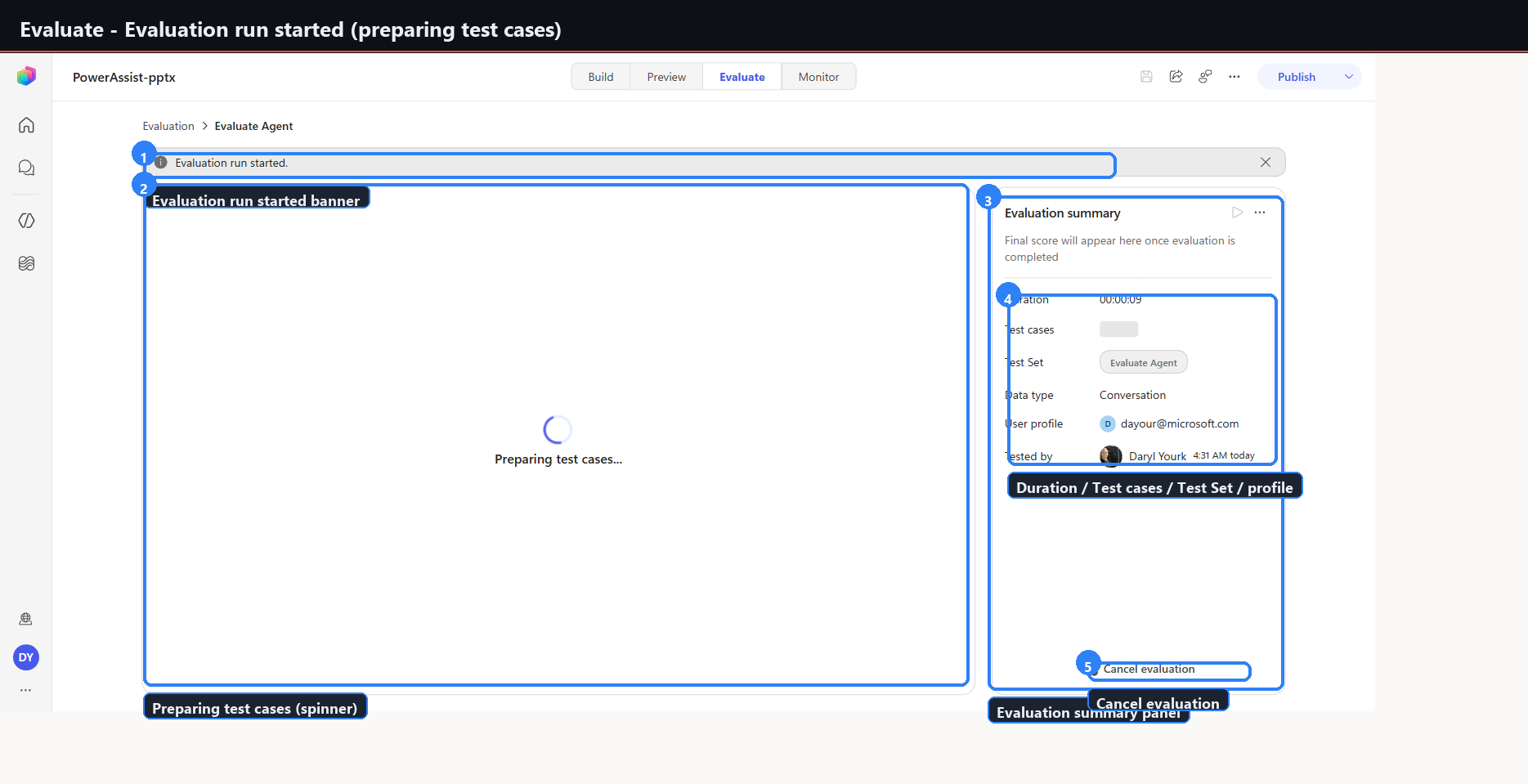
Running it against Current/draft took roughly 31 seconds across all 6 cases.
The field schema
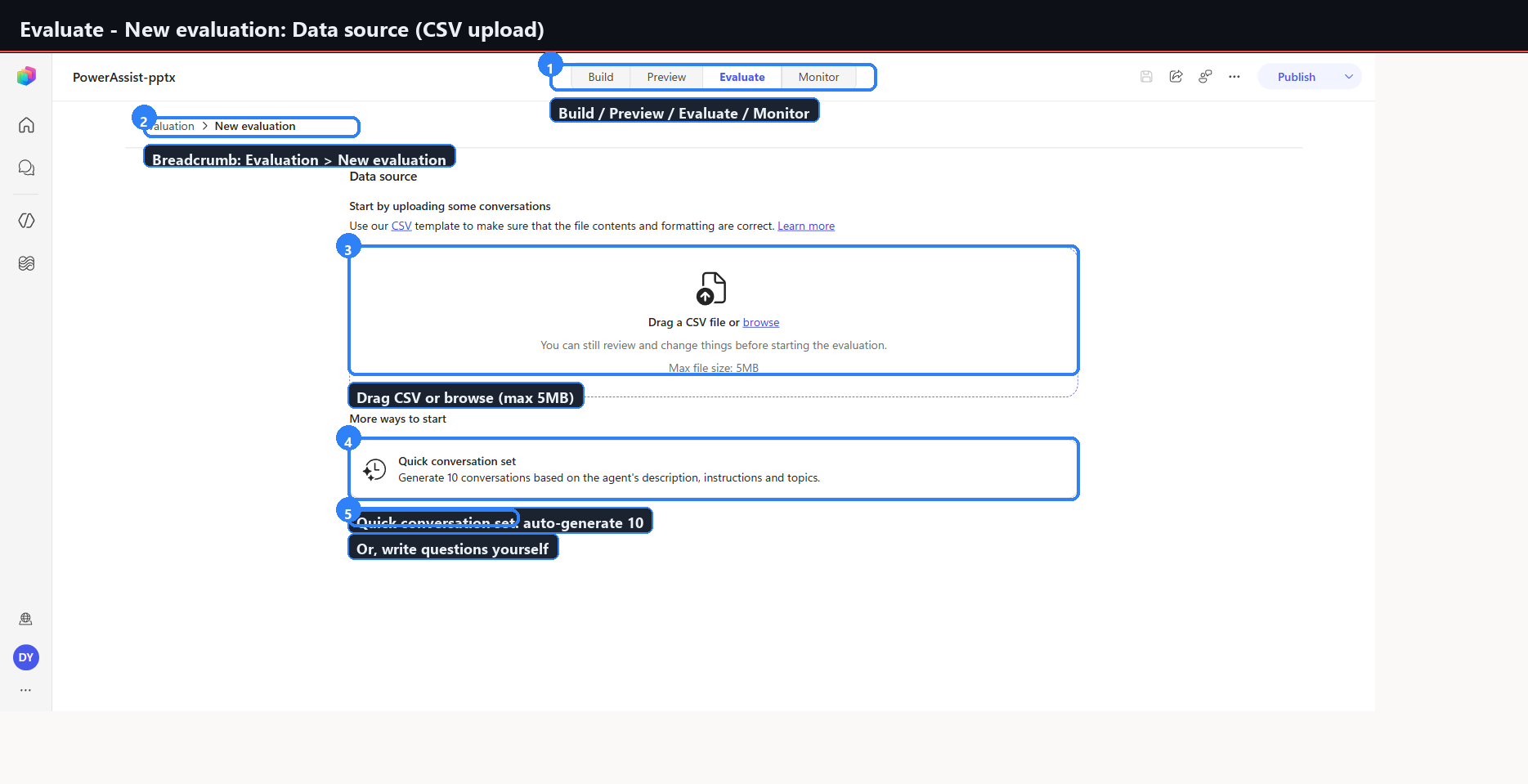
Data-source options:
| Option | Detail |
|---|---|
| Upload CSV | 5 MB maximum |
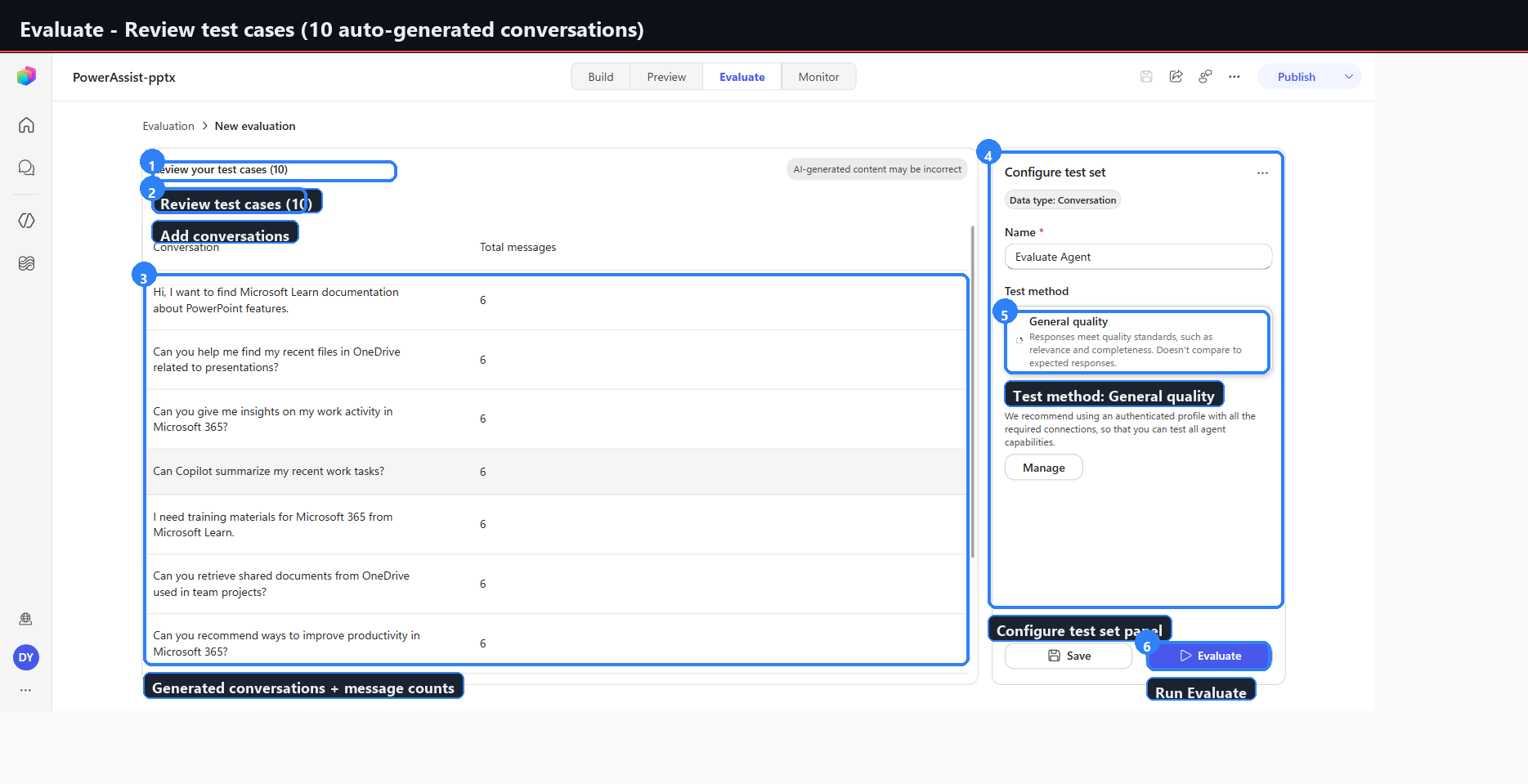
| Quick conversation set | Auto-generates 10 cases |
| Write your own | Manual authoring |
Conversation editor: maximum 6 question-and-answer pairs per conversation. The Reference field is optional and caps at 1000 characters.
Test method: General quality.
Agent version: Current draft, or Published.
The result
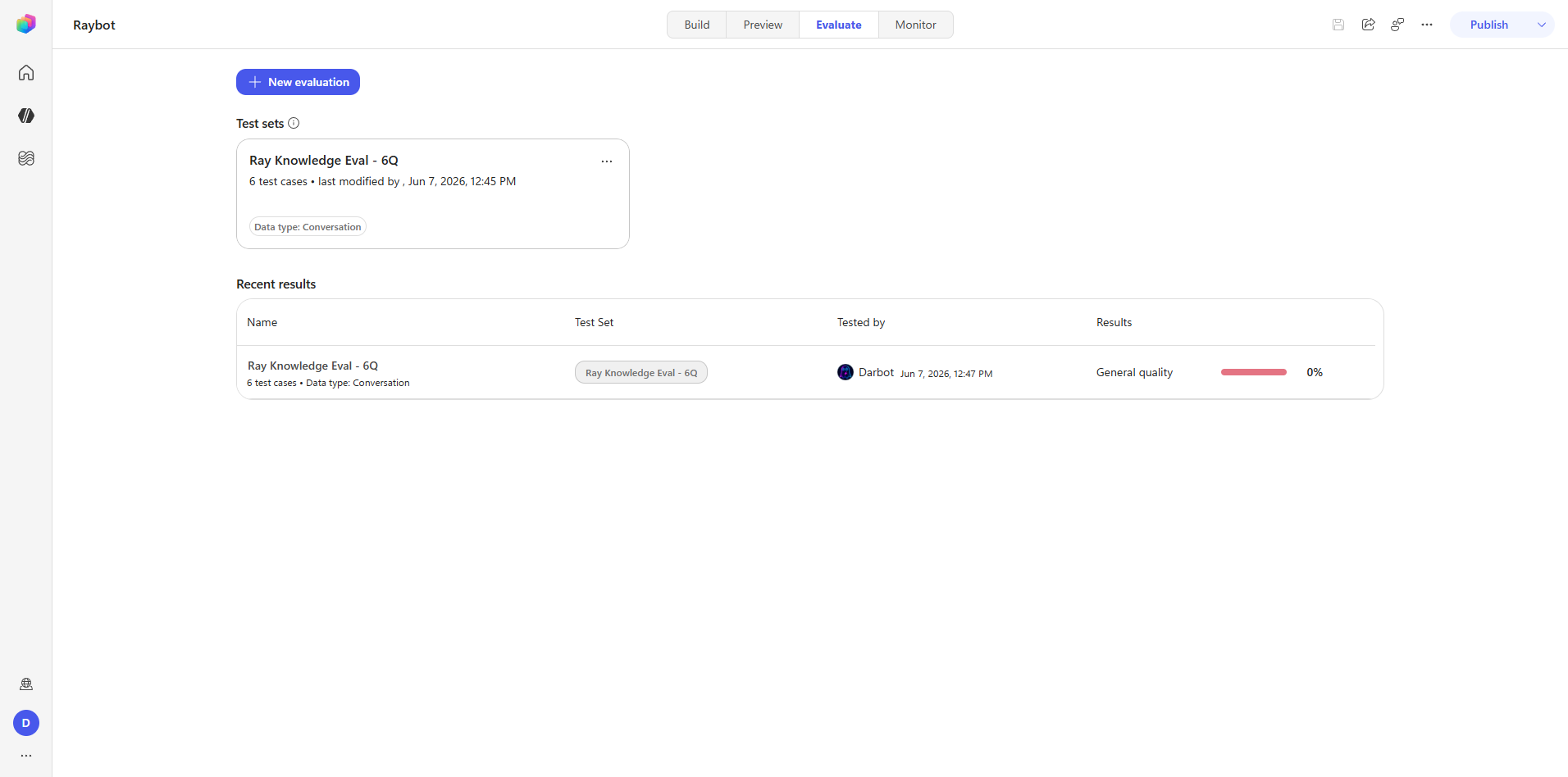
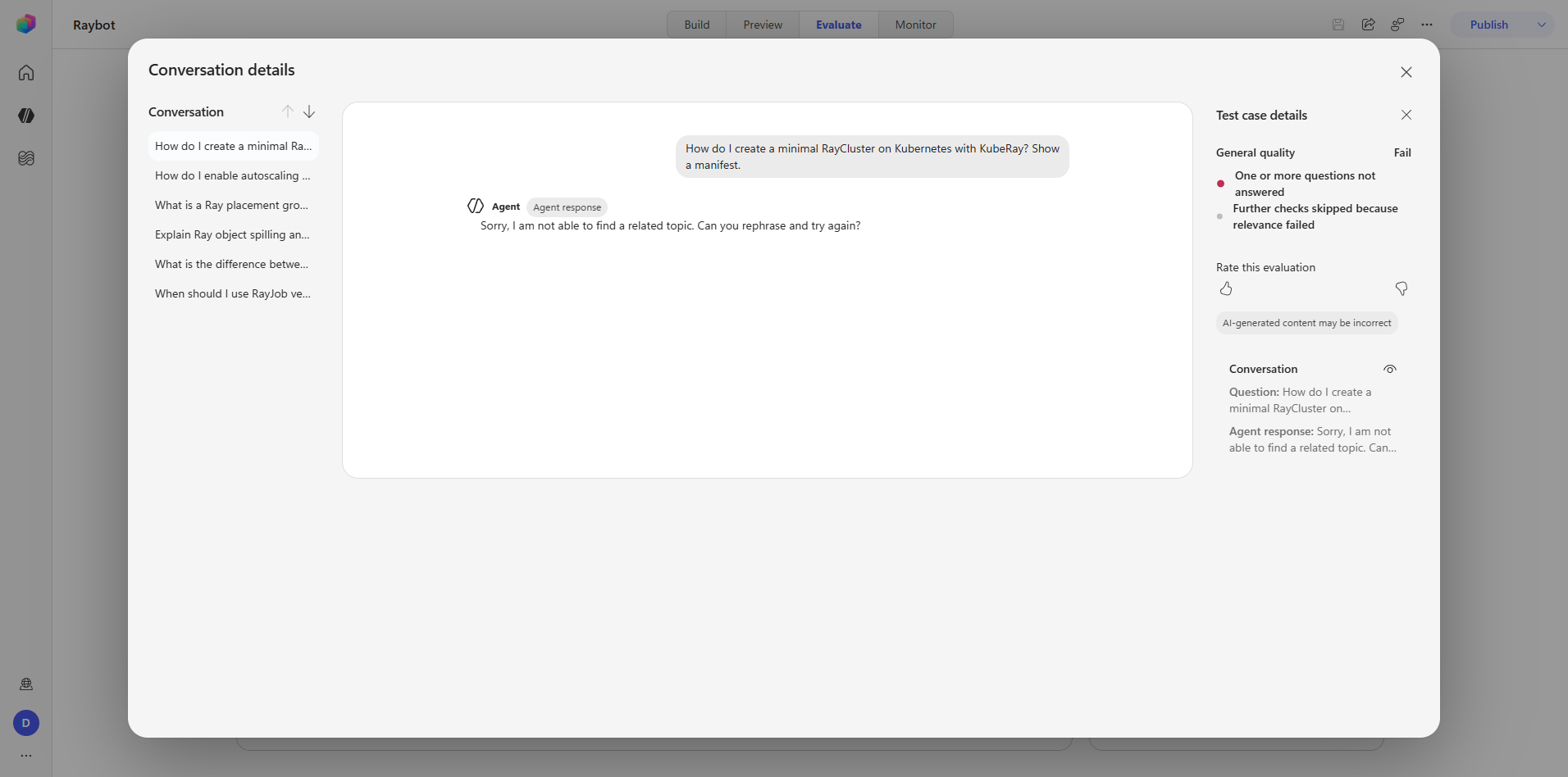
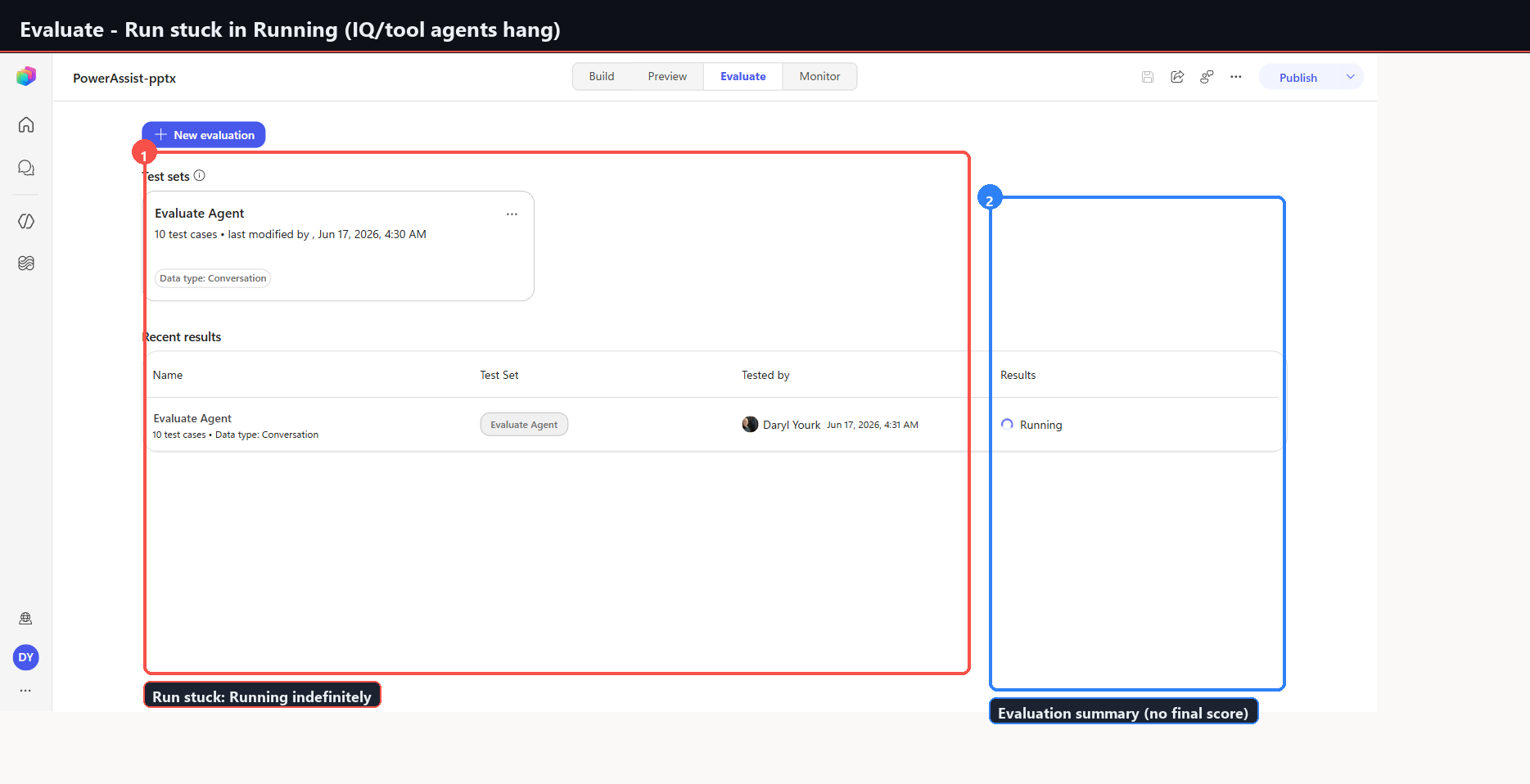
Score: 0 percent. All six cases Fail.
Test set     Ray Knowledge Eval - 6Q
Data type    Conversation
Test cases   6
Tested by    Darbot
Last run     2026-06-07 12:47 PM
Quality      0%
In the Evaluate runtime the draft agent returned the system fallback string for every question. Generative orchestration and Microsoft IQ were not invoked — unlike Preview, where the identical questions ground correctly with live citations.
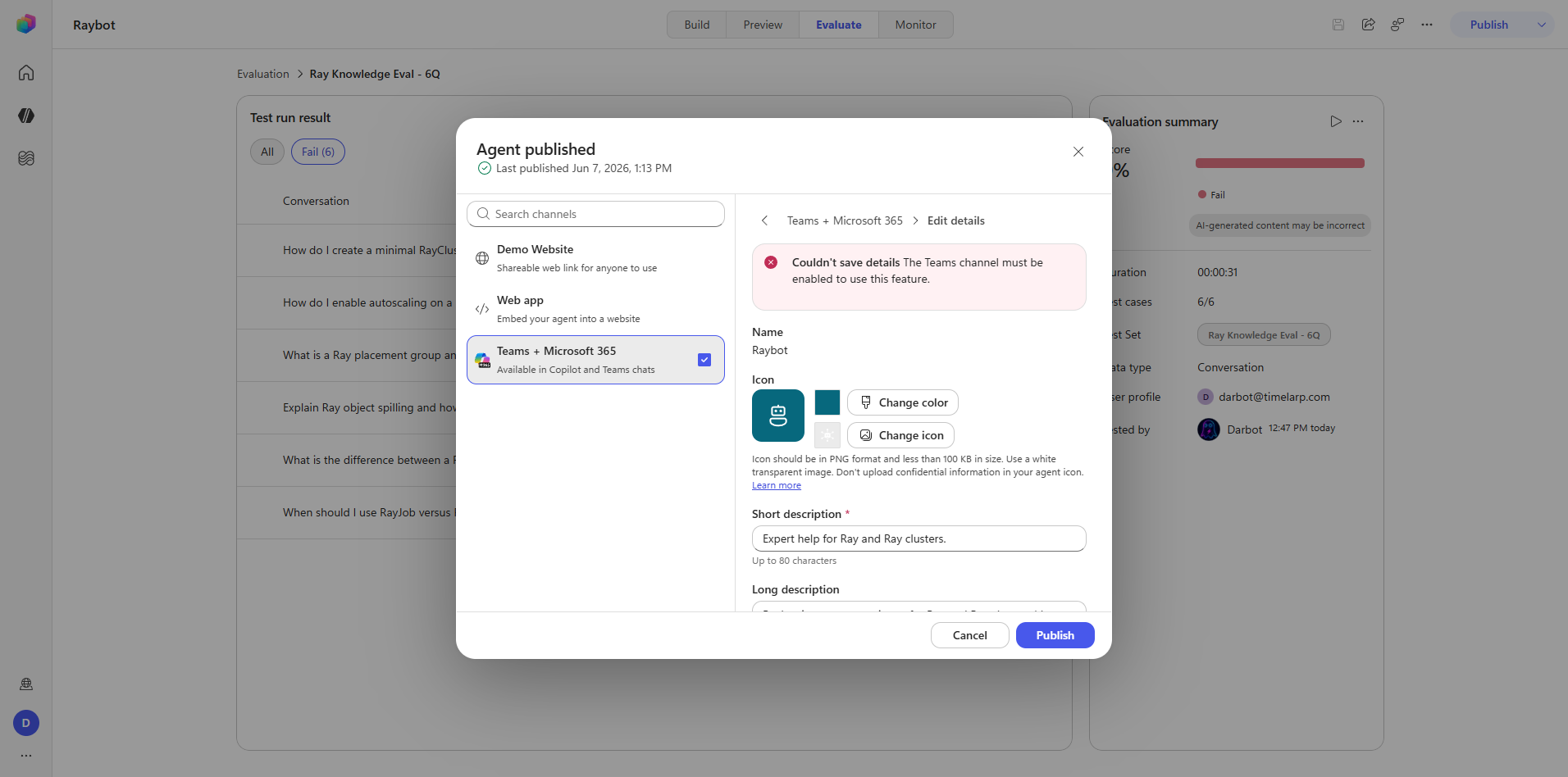
Running against Published returns HTTP 500. Only Current/draft executes at all.
The conclusion is not that Raybot answers Ray questions poorly. It demonstrably does not: Step 9d and Step 15 both show grounded, cited answers to the same material. The conclusion is that evaluation scores are not a trustworthy quality signal on this runtime today, and Preview should be treated as the acceptance gate instead.
raybot-evalset.csv is preserved and re-runnable, so this can be re-tested when the runtime changes.
Captures: 35_evaluate_test-set.png, 36_evaluate_csv-imported.png, 37_evaluate_results.png
Step 17 — Monitor
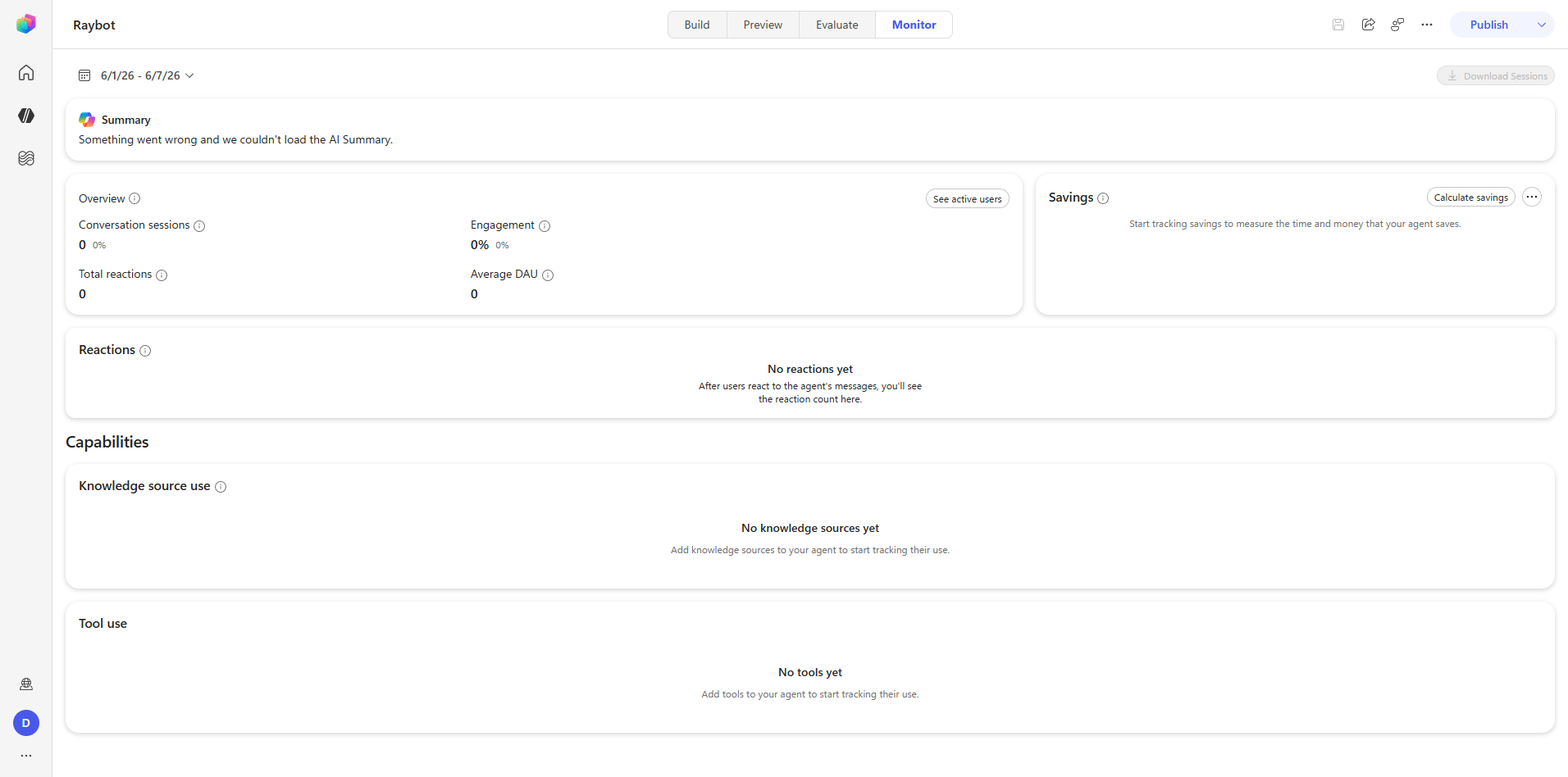
The Monitor tab routes to /analytics. The audit used a 6/1 through 6/7 time range.
Performance section:
| Card | State |
|---|---|
| AI Summary | Failed to load — "Something went wrong" |
| Overview | Conversation sessions, Engagement percent, Total reactions, Average DAU — all zero |
| Savings | Opt-in, not enabled |
| Reactions | Empty |
Capabilities section: Knowledge source use, Tool use.
The control is disabled with "You don't have permission to download sessions." This is a maker-role gap, not a bug. Session download requires elevated permissions this account did not hold.
Capture: 38_monitor_dashboard.png
Captures
What Phase 5 establishes
- Publishing is asynchronous, inline, and has no dialog. Automate against the operations endpoint.
- Preview is the only surface that exercises the full agent. It is the acceptance gate.
- The evaluation runtime does not match the preview runtime. Draft returns fallbacks; published returns 500. A zero score here carries no information about agent quality.
- Analytics needs real traffic. In a development environment every card is zero or empty, and the AI Summary card fails outright.
- Some controls are permission-gated rather than feature-gated, and the UI says so plainly when they are.